
KVN Rotoscope
Professional rotoscoping for DaVinci Resolve. Free version supported!
Latest release: v1.3.0
Professional AI-Powered Rotoscoping for DaVinci Resolve — Including the Free Version
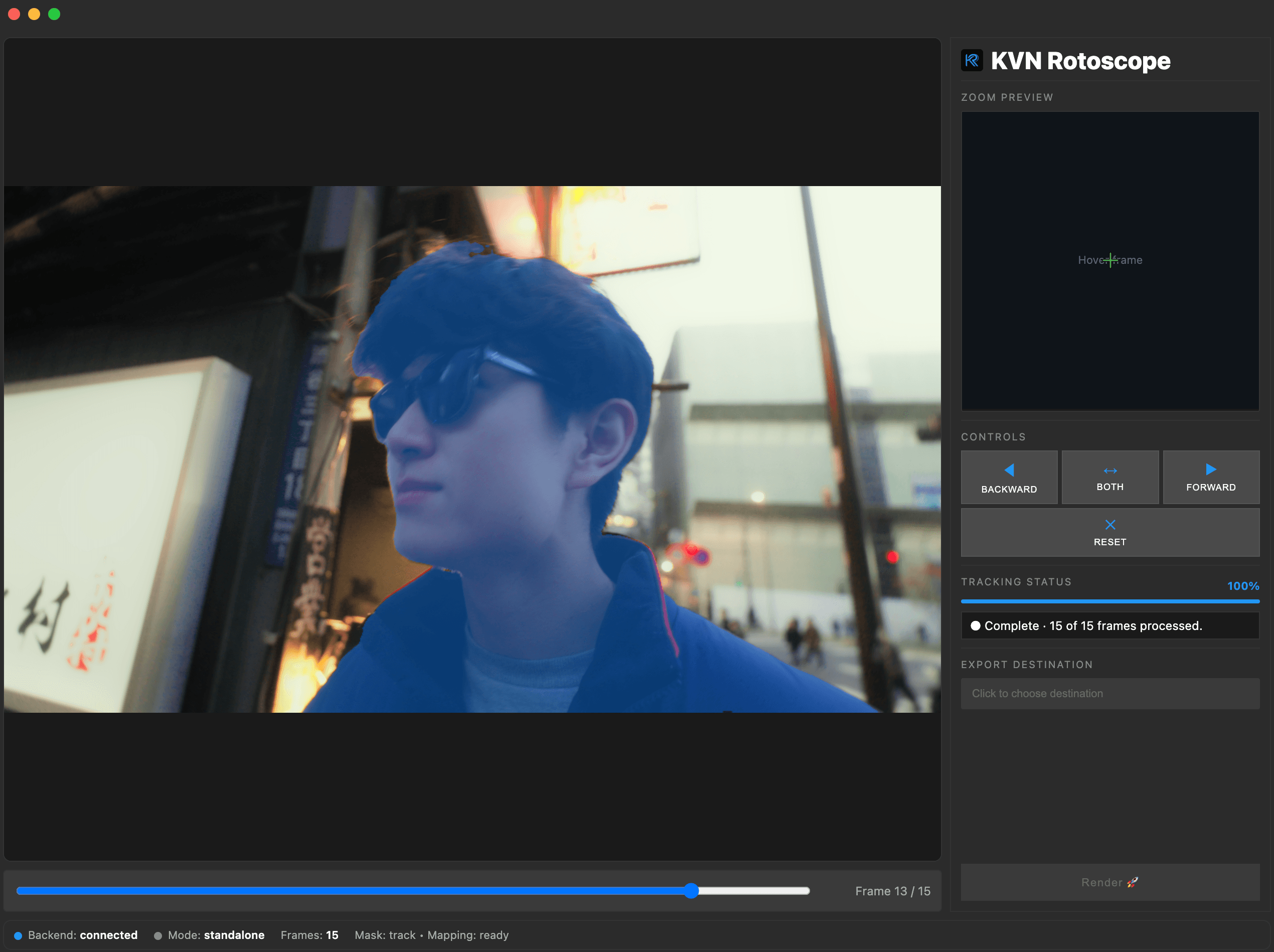
Transform hours of manual masking into minutes. KVN Rotoscope uses cutting-edge AI models to automatically segment and track moving objects in video, giving you production-quality masks with minimal effort.
⚡ Save Hours of Work
Traditional rotoscoping means drawing masks frame-by-frame. KVN Rotoscope does it for you. Annotate just one frame, and our AI automatically tracks the object through your entire clip - delivering masks in seconds, not hours.
Troubleshooting
Why am I getting an error when I launch the app directly?
KVN Rotoscope must always be started from DaVinci Resolve. Place the playhead over your clip and run Workspace → Scripts → KVN Rotoscope. Launching the app directly without running the script first will result in an error.
Why isn't the KVN Rotoscope script showing under Workspace → Scripts?
Python 3.13 is required. If the script is missing:
- Download and install Python 3.13 from python.org/downloads.
- Re-run the KVN Rotoscope installer.
If it's still not showing after that, make sure you're on DaVinci Resolve 20 or later — older versions do not support the Scripts menu location used by KVN Rotoscope.
What do I do if the app has an issue after running the script?
In the KVN Rotoscope window, go to Help → Report a Bug to file a report with your logs attached. This is the fastest way to get support.
What if nothing else works?
- Fully uninstall KVN Rotoscope
- Download the latest version from the website
- Reinstall
Getting Started
- Download the latest release and install. This will take 5-10 minutes depending on your wifi connection.
- In Resolve, put playhead over target clip.
- Go to Workspace → Scripts → KVN Rotoscope. This launches the app automatically
- In standalone app, session auto-loads on launch; annotate, track, then Render.
- Back in Resolve, your clip should now be automatically masked!
Known Issues
Intel Mac — slow tracking performance
Intel Macs have no GPU acceleration support. All AI inference runs on CPU, which makes tracking significantly slower compared to Apple Silicon or a Windows machine with an NVIDIA GPU. A 10-second clip that takes ~30 seconds on Apple Silicon may take several minutes on Intel. If you need faster turnaround, an Apple Silicon Mac or a Windows PC with an NVIDIA GPU is recommended.
If you run into any issues, please contact me or raise a GitHub Issue.
Support
For issues, feature requests, or questions, visit our GitHub repository or website.
Changelog
Version 1.2.9 — Unified script and auto-apply
May 2026
Highlights:
- ✨ Single unified script —
Begin.pyandRender.pymerged into oneKVN Rotoscope.py; the script handles the full flow start-to-finish with no separate Render step needed - ✨ Auto-apply matte — after tracking completes, the matte is applied to Resolve automatically without needing to return to the Scripts menu
- 🔧 Timeline snapshot + auto-revert — a snapshot of your timeline is taken before any changes; if you close the app without finishing, the timeline and compound clip are automatically restored to their pre-Begin state