
Copy Frame to Clipboard
Saves the current frame snapshot to clipboard for direct and easy access anywhere.
Installation Steps
Open DaVinci Resolve and open any project
Open the console from Workspace > Console
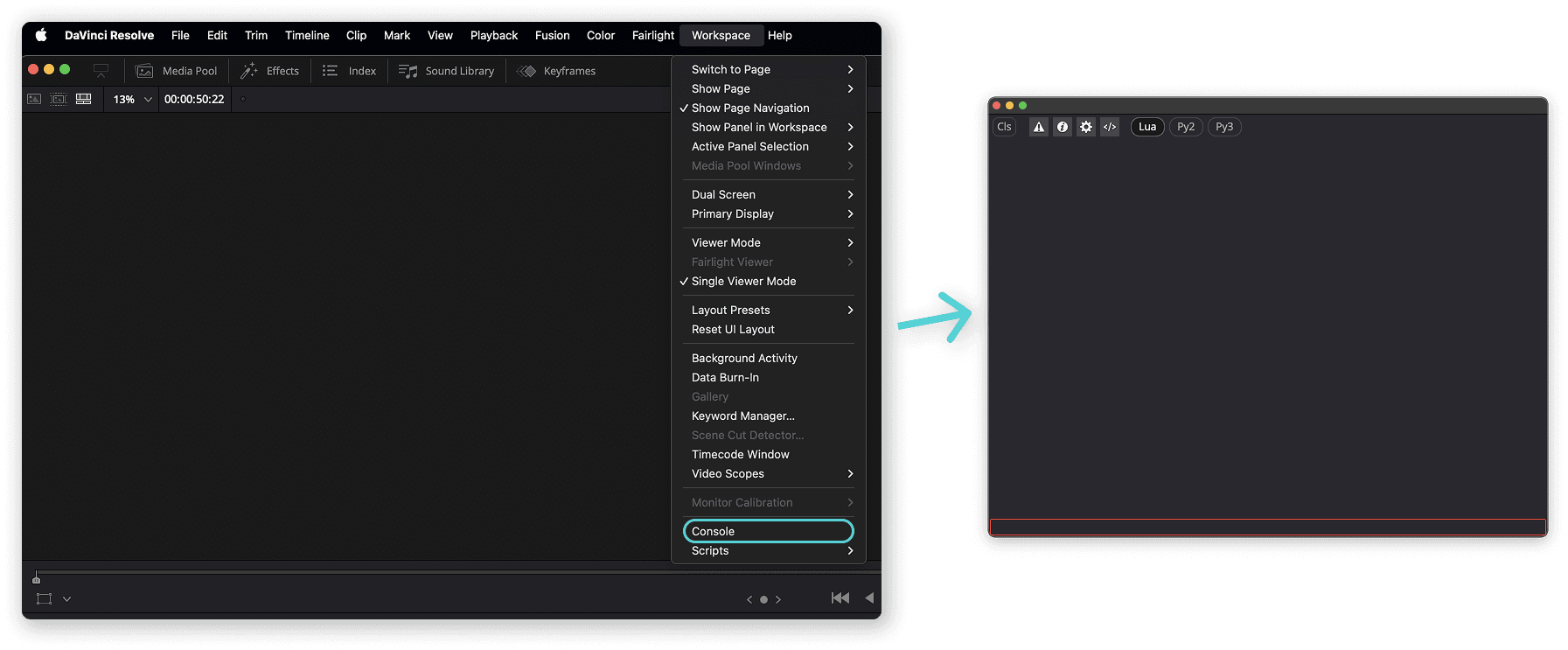
Drag and drop
copy_to_clipboard.luainto the console panel and it will install it automatically 🚀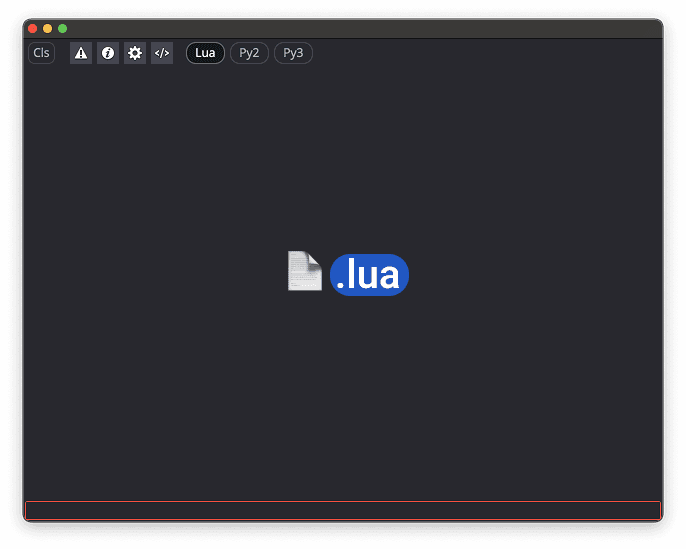
Run
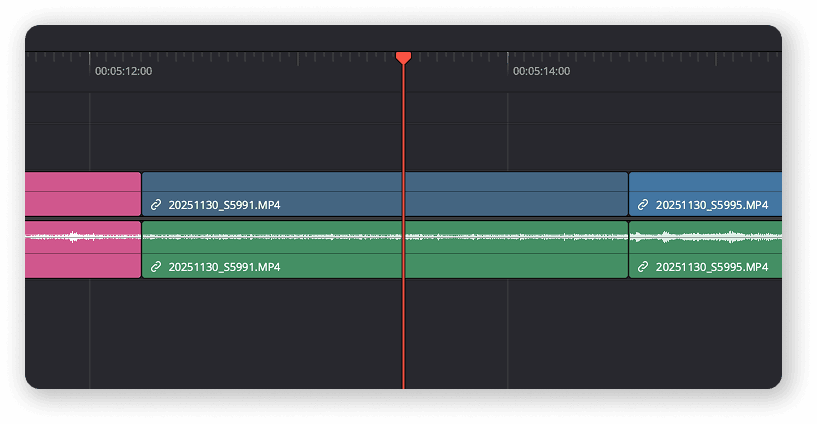
Go to the Edit page and park the playhead on the exact frame you want to grab.
Run the script from Workspace > Scripts > Kevshufilms > copy to clipboard.
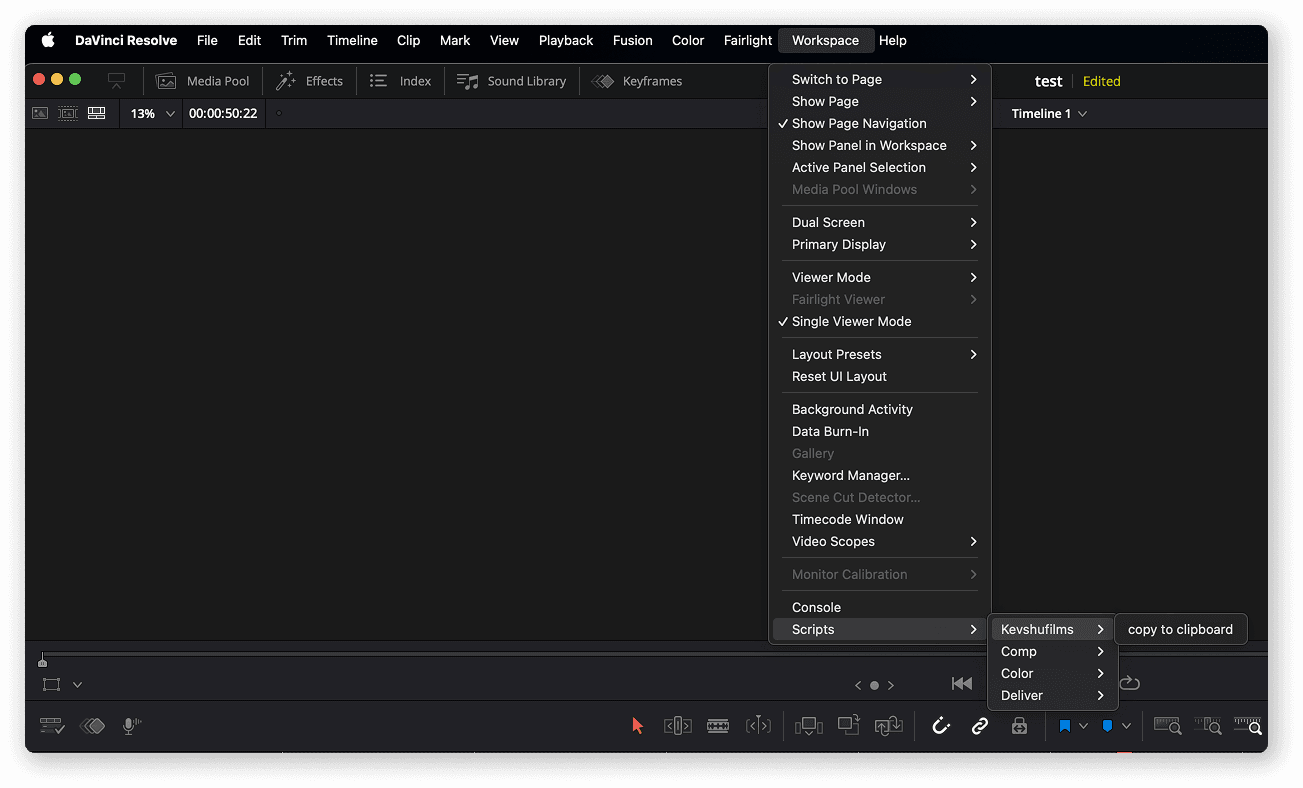
Image is copied to clipboard and can be pasted anywhere 🎉